

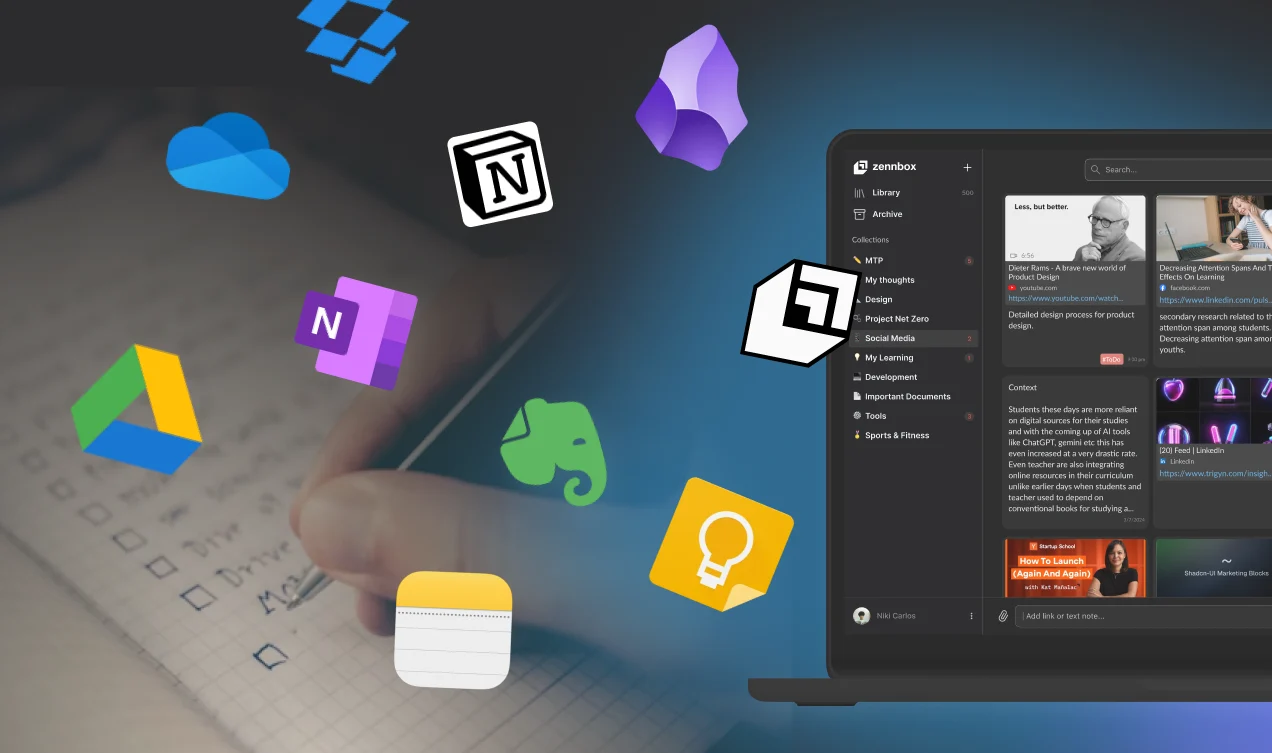
Why Your Second Brain is Broken (And How Zennbox Fixes It)
Digital Resources are Pure Gold… Only If You Can Use Them. We’re living in an “infobesity” age.
Back when learning meant reading one textbook from cover to cover, we didn’t have this problem. Now your knowledge is spread all over a messy digital world:
- A “Watch Later” playlist on YouTube that you never actually watch.
- A folder full of unread PDFs stuck in Google Drive.
- Hundreds of bookmarks marked “read later” hidden deep in your browser.
- Random screenshots you took and saved on your phone.
We think collecting information is the same as learning. That’s called the Collector’s Fallacy. You feel busy when you click “Save,” but if you can’t find, connect or use that info later, it’s just clutter.
The real issue isn’t the content – it’s how we manage it.
The Problem: Your Digital Life is Fragmented
Most of us try to build a Personal Knowledge Management (PKM) system with tools that don’t talk to each other. You store files in Google Drive, save links in Pocket, take notes in Notion or Obsidian.
This split forces you to pay a big “Context‑Switching Tax.” Every time you leave your writing app for another tab, you break your flow. Studies show it takes over 23 minutes to get back into deep focus after an interruption.
If you’re a student, researcher or creator, you probably spend about 40% of your time just managing tabs and only 60% actually learning.
Enter Zennbox: The Unified Knowledge Engine
We realized that the modern workflow – Capture, Process, Create – shouldn’t need three different subscriptions. Zennbox is the first digital resource platform built to be your true “Second Brain.” It doesn’t just store files; it helps you learn from them.
1. Capture Without Breaking Flow
The biggest reason we lose ideas is the friction of saving content. With the Zennbox Browser Extension, capturing is instant.
Save a YouTube video, an article or a PDF with one click. You can even highlight text and add context while still on the page – no copy‑paste into another doc.
2. The “Split Window” Superpower
This feature saves our users hours of revision time. Zennbox has a dedicated Split Window Workspace:
- Left side: Open your stored resources (PDFs, videos, articles).
- Right side: Your document editor.
For students: Watch a lecture video on the left while typing summaries on the right. For researchers: Read a paper on the left and draft your thesis argument on the right.
Everything is in one view – no Alt‑Tab dancing, no lost context.
3. Turn Information into Insight with AI
Zennbox acts as your Co‑Pilot. We integrated generative AI straight into your library:
- Too busy to read? Get a concise AI summary of long articles or videos in seconds.
- Stuck on a concept? Highlight a paragraph and ask Zennbox to explain it simply.
- Need help writing? Use the AI assistant to polish grammar and tone as you draft.
It’s like having a research assistant who has read everything you’ve ever saved.
The Zennbox Ecosystem: Accessibility Meets Efficiency
A second brain is useless if it’s only on your laptop. Zennbox bridges that gap with a full ecosystem:
- Web App: Deep work and organization.
- Mobile App: Read on the go, offline access.
- Browser Extension: Instant capture and summarization.
Stop Hoarding. Start Creating
Your bookmarks bar is a graveyard of good intentions. It’s time to bring those resources to life.
Zennbox isn’t just another place to stash files; it’s a workspace that makes you smarter, faster. Whether you’re writing a PhD thesis or building your next startup, Zennbox ensures every piece of content you consume actually helps you reach your goals.